



Online Reservation System
Online Reservation System for Restaurants
Take bookings and deposits straight from your own website, app, and QR menu, then confirm, seat, and remind every guest from one screen. Commission-free, with no per-cover fees.
One place for every booking
Every reservation in one inbox
Guests book from your website, your branded app, or the QR menu on the table, and every request lands in the same list. Accept, decline, or move a booking in a tap, the guest hears back by SMS and email without you typing a word.
Book from your site
Put the reservation form on your own website and app
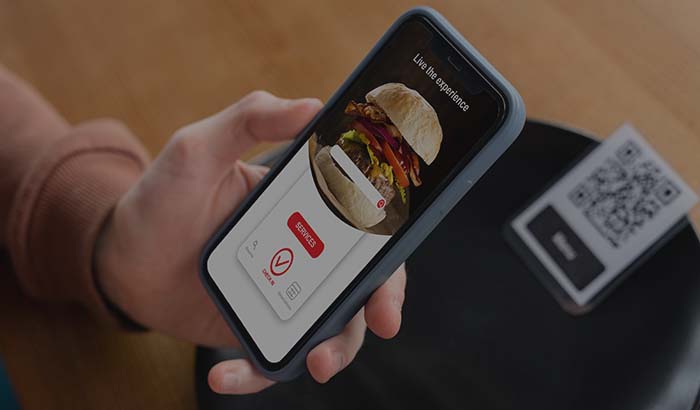
Book from the QR menu
Diners reserve straight from the menu on the table
Confirm in a tap
Accept or turn down a booking without the phone
Automatic replies
SMS and email updates go out on every change
Deposits & no-show cover
Ask for a deposit when the table matters
Friday nights, large parties, set menus, that's when an empty seat hurts most. Take a card or a deposit at the time of booking, set the amount by service or party size, and refund in one click when plans change. The guest who'd skip a free booking thinks twice about a paid one.
See how online payments work →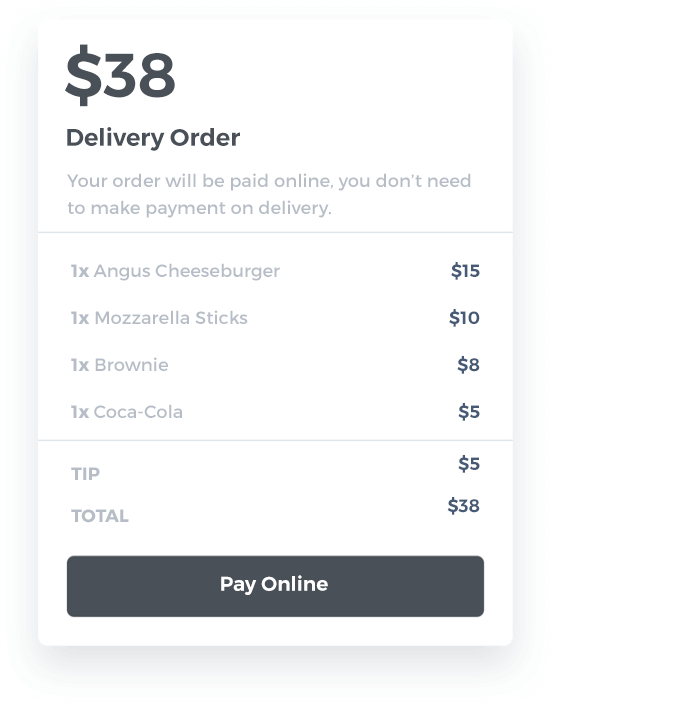
Card on file or deposit
Hold a card or charge an amount up front
Rules to match service
Higher on peak nights, more for big groups
One-click refunds
Send the money back the moment you cancel
Terms up front
Guests see the cancellation window before they confirm
Calendar & availability
Read the whole service at a glance
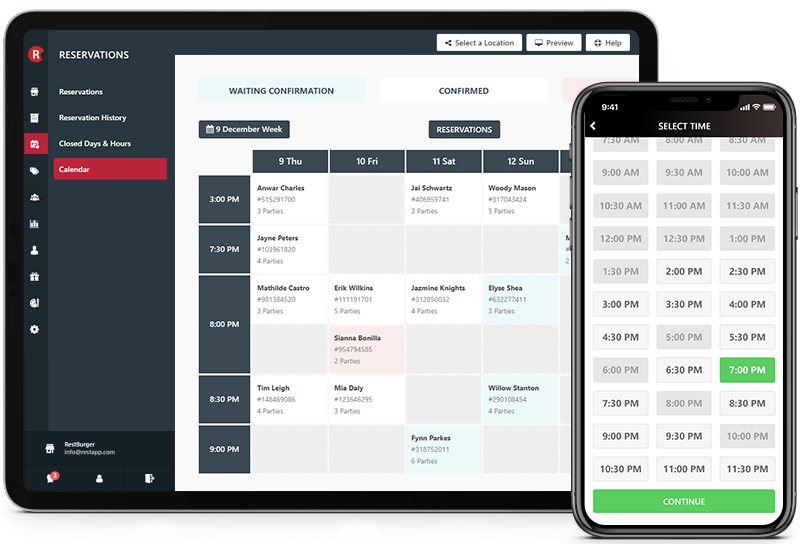
Open the calendar and you can see the night in seconds: who's booked, which tables are still free, and where the quiet gaps are. Cap how many covers you take per slot so the kitchen and floor never get hit all at once, and close off days or hours whenever you need the room.
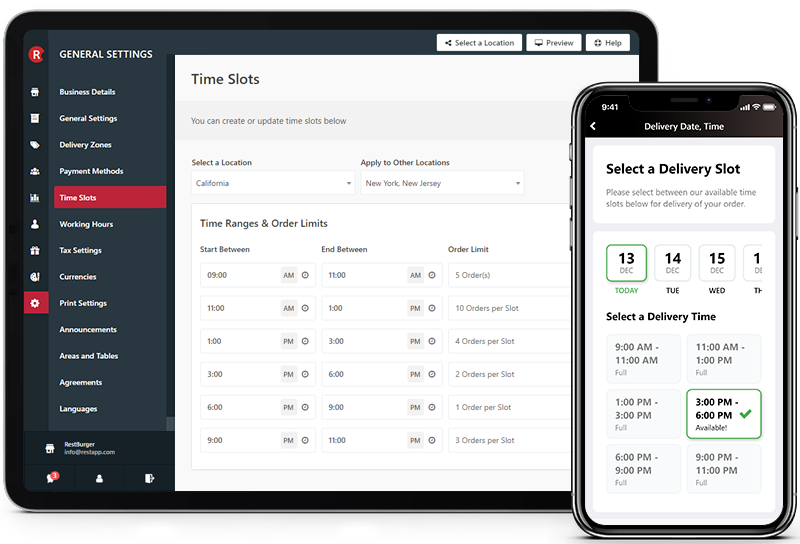
Day & week view
Every cover laid out service by service
Covers per slot
Limit how many guests land at the same time
Block days & hours
Close bookings for holidays or private events
Find the gaps
Spot quiet slots that are worth filling
Tables & devices
Seat guests from any device
Assign each booking to a table, merge two for a big group, and keep walk-ins and reservations on the same floor. The host stand tablet, the phone behind the bar, and the back-office computer all show the same live plan, change it once and the whole team sees it.
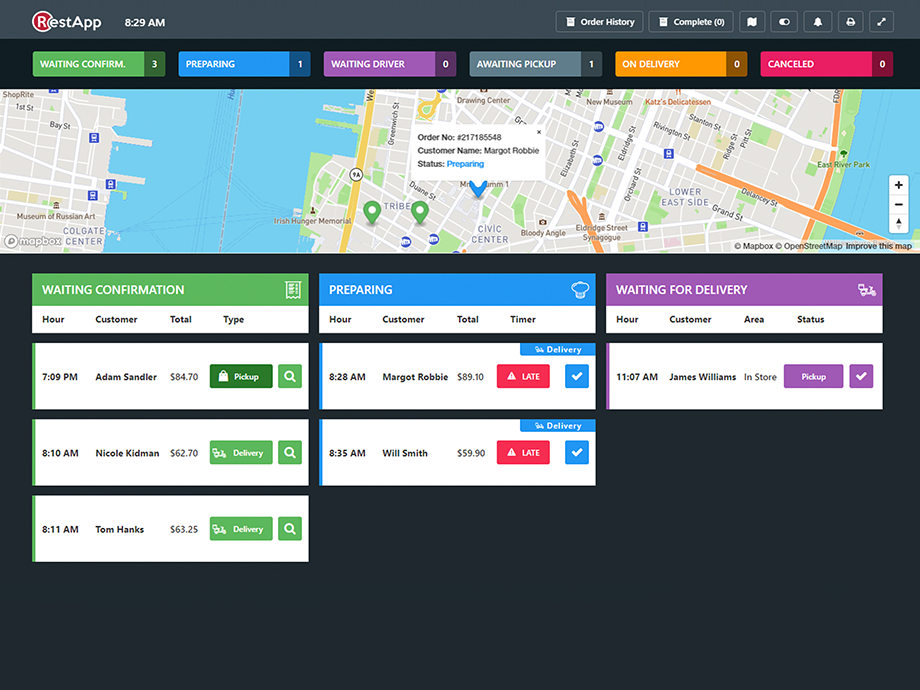

Assign & merge tables
Match every booking to the right seats
Tablet, phone, desktop
One live floor plan for the whole team
Walk-ins included
Sit drop-ins next to your reservations
Move a booking
Shift a guest to another table in seconds
Reminders & feedback
Remind them before, hear from them after
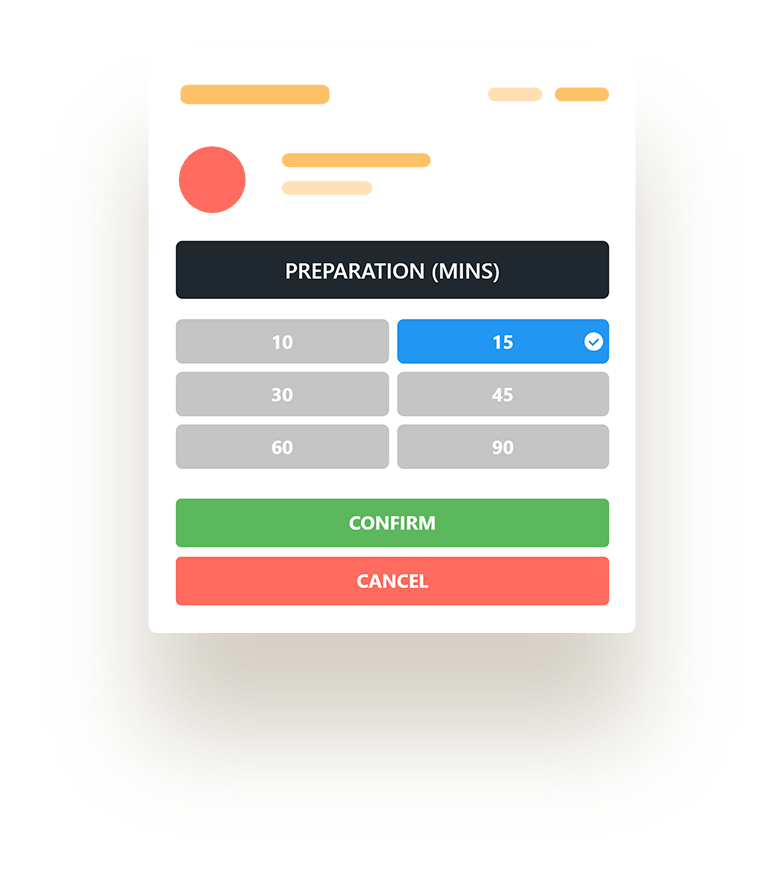
A reminder goes out before the booking so guests actually turn up, and they can confirm or cancel from the message, which frees the table early if they can't make it. After the meal, a short survey reaches them first, so you hear about a problem before it turns into a public review.
Customer feedback tools →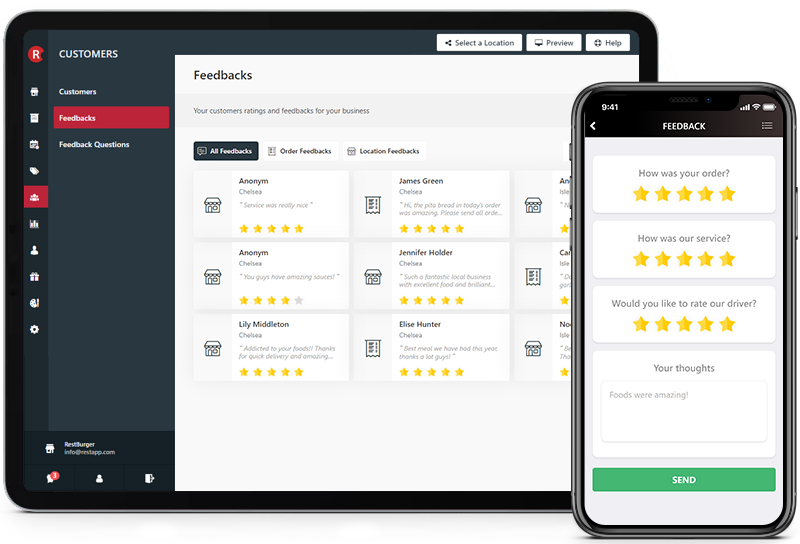
Pre-arrival reminders
Cut forgotten bookings with a timely nudge
Guests self-confirm
Let them cancel early and free the table
Post-visit survey
Ask how it went while it's fresh
Catch issues quietly
Fix things privately before they go public
Loyalty & regulars
Give regulars a reason to book again
Reservations run on the same loyalty and offers as your online ordering, so a guest who books a table earns points and unlocks rewards just like one who orders in. Keep notes on who likes the window seat or the quiet corner, and treat your regulars like regulars.
Explore loyalty & offers →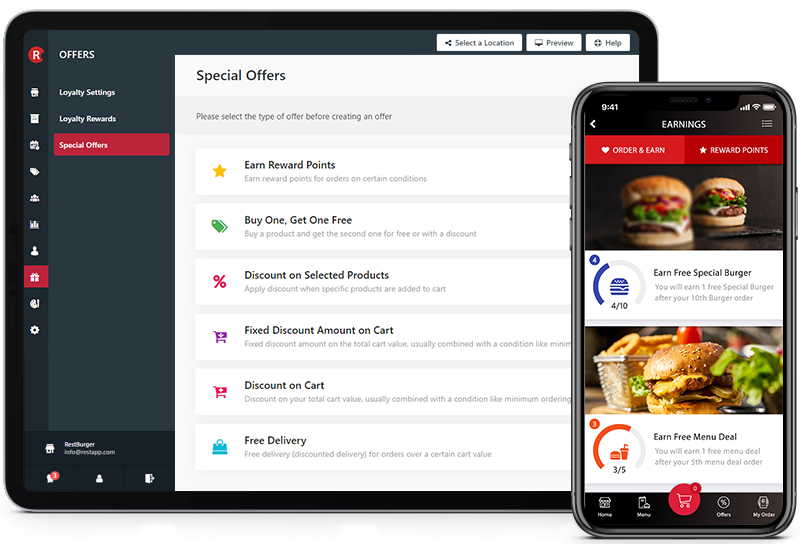
Points & rewards
The same loyalty you use for ordering
Targeted offers
Send a reason to come back on a slow night
Guest notes
Remember seating, allergies, and occasions
Know your regulars
See who books most and look after them
Online Reservation Management
Enhanced & easier reservation management
Online Reservation module will make it easier to receive reservations and confirm or cancel them. You will find everything you need.
Online Deposit
Charge online deposits for reservations
Closed Days & Hours
You can close specific days or hours
Reminders
You will be notified for upcoming reservations
Notifications
Customers will be notified for any changes
Easy Cancelation
Customers can easily cancel their reservations
Table Management
You can assign reservations to tables
Calendar
View your weekly reservations on calendar
Feedbacks
Customers will receive survey afterwards
Free Online Reservation Module
Receive reservations from your guests with your own website and mobile apps for free.
RestApp’s Online Reservation module will make it easier to receive reservations and manage them. You can use this module for free with RestApp Online Ordering System.
- You can easily display and manage your reservations on weekly calendar. Moreover, you can assign tables for your reservations.
- You can open or close specific days and hours for reservations with a message. For example, inform your guests that you are closed for reservations on special days or special events.
- You can easily confirm or cancel reservations when you receive them.
- Your guests can also easily update or cancel their reservations from your website or mobile apps.
- Your guests can leave feedbacks about their experience afterwards.
Why take reservations on your own system?
A booking form on your own site keeps the guest, and their phone number and email, with you. Take the same booking through a marketplace and that contact belongs to the platform, which then rents it back to you.
The phone is the easy place to lose a reservation: a busy line, a missed call, a name half-written on a pad and gone by service. An online system keeps taking bookings while you're closed or slammed, and never gives the same table to two parties.
Reservations aren’t a separate tool bolted on the side. They share the same dashboard, payments, and loyalty as your online ordering and EPOS, so the guest who books a table is the same guest you already know, not a stranger you start over with.
Need your own online ordering system, but still got questions?
We are committed to offer the best online ordering system and support for your business. Get in touch with us now for any questions.